background Layer 1 background Layer 1 background Layer 1 background Layer 1 background Layer 1
icon

Google Authenticator

3.6
Rating

100M+

Downloads

Everyone

Age

ADVERTISEMENT

About Google Authenticator

  • Google Authenticator
  • Google Authenticator
  • Google Authenticator
  • Google Authenticator
  • Google Authenticator
  • Google Authenticator
  • Google Authenticator
  • Google Authenticator
  • Google Authenticator
  • Google Authenticator
  • Google Authenticator
  • Google Authenticator
  • Google Authenticator
  • Google Authenticator
  • Google Authenticator
  • Google Authenticator
  • Google Authenticator
  • Google Authenticator

About Google Authenticator

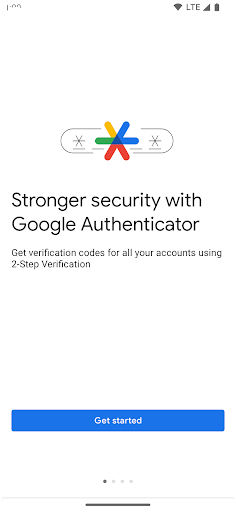
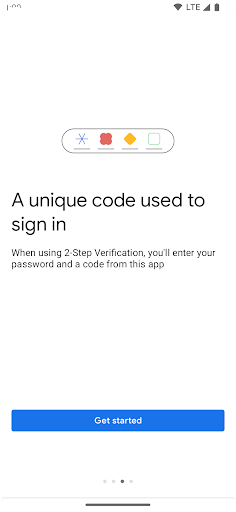
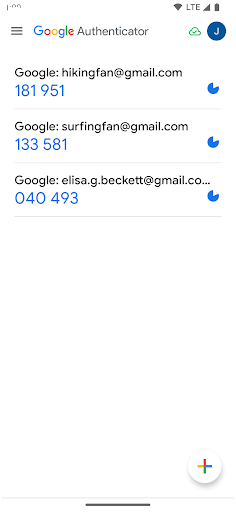
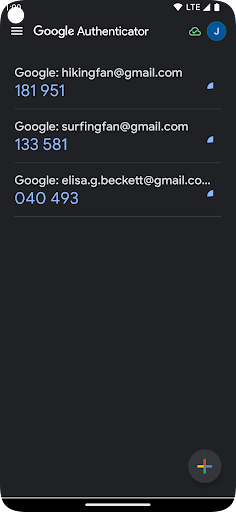
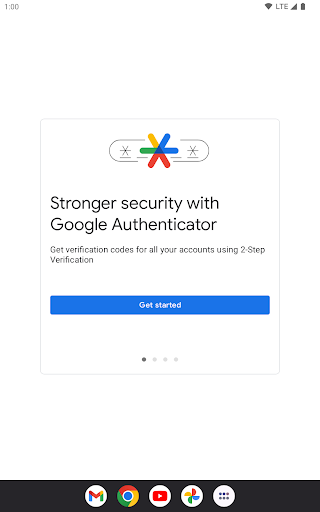
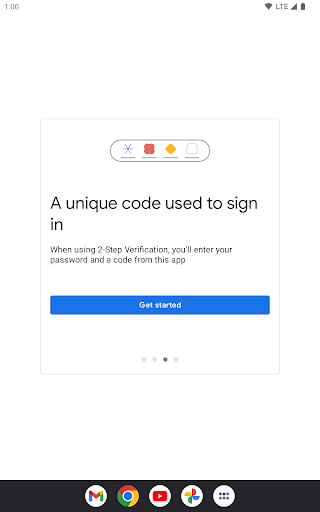
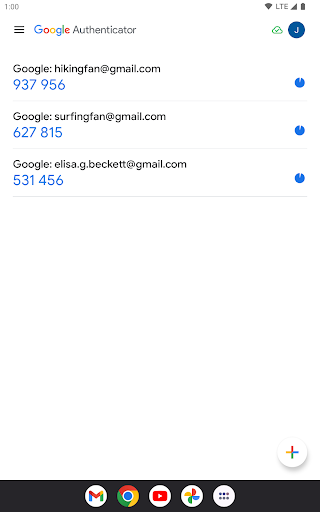
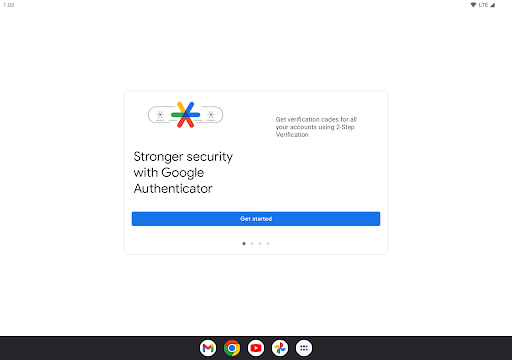
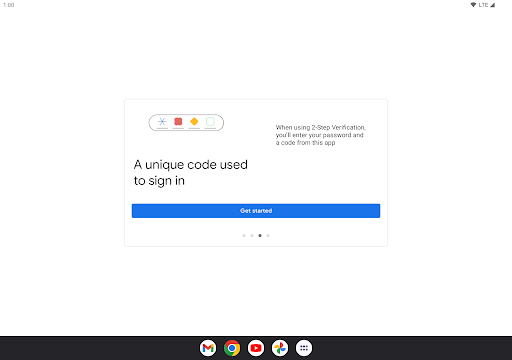
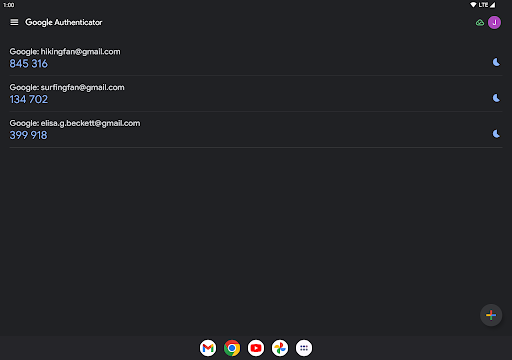
The Google Authenticator app is a revolutionary tool designed to enhance the security of your online accounts. It acts as an extra layer of protection by requiring a second step of verification when signing in. This innovative application is perfect for anyone who prioritizes the safety of their personal information and online identity. Passwords alone can be insufficient, which is where the Google Authenticator app shines by generating verification codes directly on your phone. What's remarkable is that these codes can be created without an internet or cellular connection, ensuring you have access to your accounts even in offline situations. 🚀

Highlights

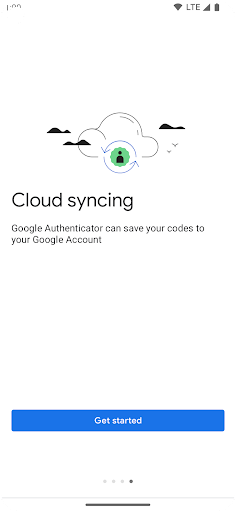
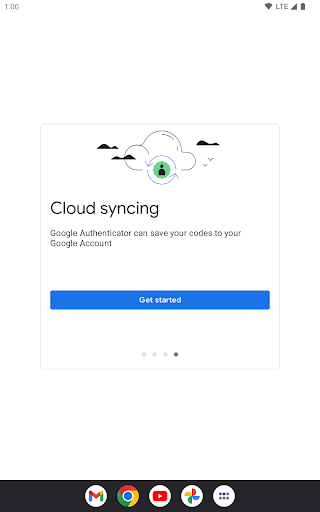
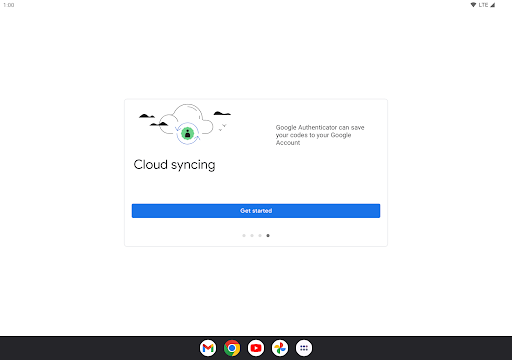
  • Sync your Authenticator codes to your Google Account and across your devices, ensuring you have them accessible no matter what happens.
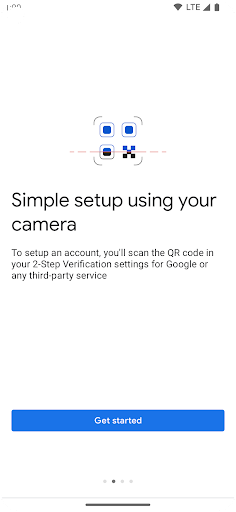
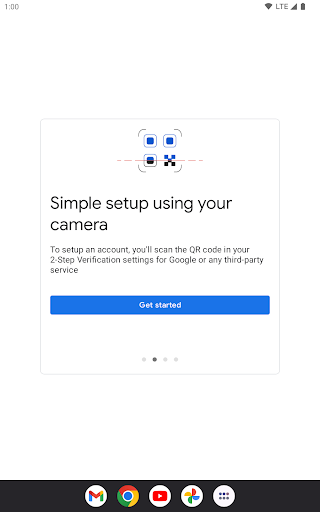
  • Set up accounts quickly using QR codes, simplifying the process and minimizing errors.
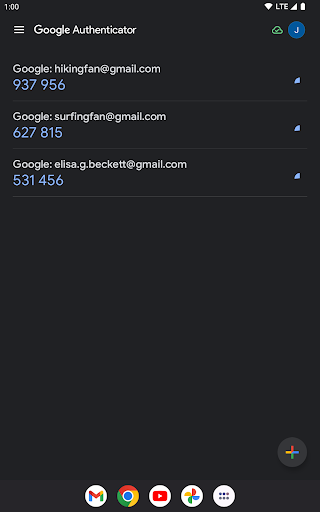
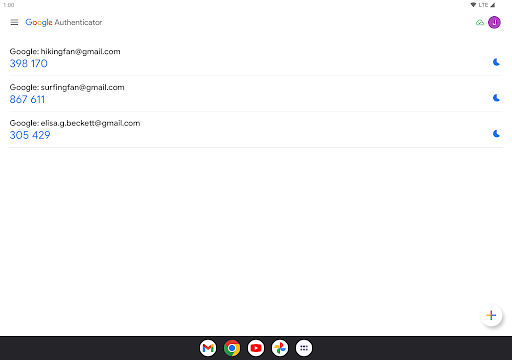
  • Manage multiple accounts seamlessly within the app, reducing the hassle of switching between different applications.
  • Choose between time-based and counter-based code generation to tailor your security experience.
  • Easily transfer your accounts between devices using QR codes, making moving to a new phone convenient that much easier.

Strengths

  • Secure: The Google Authenticator app offers heightened security, making it difficult for unauthorized users to access your accounts.
  • Free to use: There’s no cost associated with downloading the Google Authenticator app, making it an accessible option for anyone looking to improve their online security.
  • Offline functionality: You can generate verification codes even without a cellular or internet connection, which adds a layer of reliability.
  • Ease of use: The straightforward interface and QR setup process make the Google Authenticator app user-friendly for individuals of all tech-savviness levels.
  • Limitations

  • Dependency on the app: If you lose access to your phone, you may struggle to retrieve your codes unless you’ve backed them up.
  • No cloud backup: While the app syncs across devices, it does not provide an inherent cloud backup system for your codes.
  • Learning curve: Some users may find the transition to using a 2-Step Verification system slightly challenging initially.
  • If you're serious about securing your online accounts, you should download the Google Authenticator app today. It's free, user-friendly, and a critical investment in your digital safety. The ease with which you can generate secure codes, manage multiple accounts, and transfer your data between devices makes this app a must-have for anyone using Android or iOS. The additional layer of protection it offers could save you from significant troubles, so don't hesitate—install the Google Authenticator app and take control of your cybersecurity now! 🔒

    Additional Info

    • App Name
      Google Authenticator
    • Category
      Tools
    • Package Name
      com.google.android.apps.authenticator2
    • Developer
      Google LLC
    • Rating
      3.6
    • Version
      7.0

    ADVERTISEMENT

    Download in Progress
    The Download for you is Google Authenticator 7.0 MB
    if don't on the download, please click here
    Check Historical Versions